SENSORLOGIX · DRONES
Drone data from any fleet, in one record set
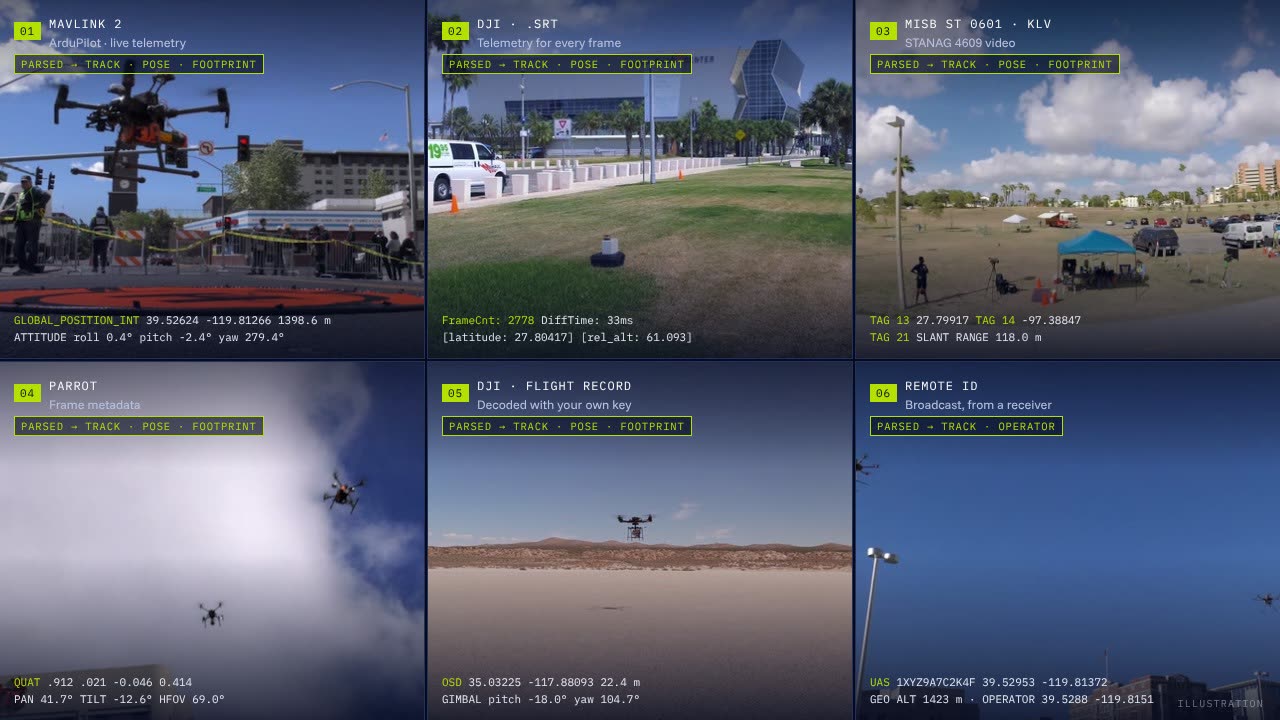
Video, telemetry, flight logs and Remote ID from enterprise and consumer drones, open autopilots and fleet clouds, read into the same records as military motion imagery.
Keep the software you fly with. Whatever the vendor, a flight becomes a platform track, a sensor pose, a ground footprint and media segments tied by time, so each count or area in a report cites the frame it came from.
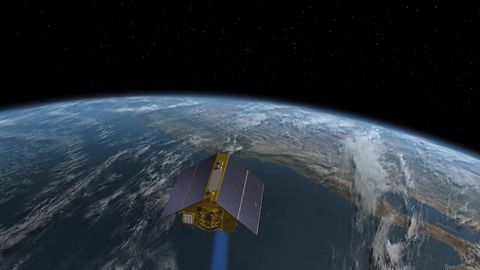
Video: NASA. The telemetry on screen is an illustration.
Vendor formats and open standards
DJI, Parrot and Skydio formats beside MISB KLV, MAVLink 2 and Remote ID.
Files, streams and fleet clouds
Uploads, watched folders, the edge collector, live streams and read-only fleet connections.
Held, never guessed
A layout no reader knows waits for a person. Nothing is filled in from a guess.
WHAT DRONES EMIT
Commercial drones don’t speak the military standard
Military aircraft carry their metadata as KLV inside the video. Commercial drones each write their own form, so SensorLogiX reads each vendor’s form and turns it into the same records.
Vendor formats change with model and firmware. A layout no reader knows is held for a person, never guessed.
FLEET BY FLEET
Works with the fleets you already fly
Open autopilots and aircraft that send KLV use the standard paths. DJI, Parrot and Skydio’s cloud each have a reader of their own.
Skydio X10 and X10D
KLV VIDEO AND A FLEET CLOUD
WHAT IT SENDS
RTSP or RTP H.264 video with KLV to STANAG 4609, MISB 0601 and 0903. A cloud API with webhooks for flights, media and live telemetry.
WHAT SENSORLOGIX READS
KLV video through the standard path; flights and media through a read-only cloud connection.
ArduPilot and PX4
INCLUDING BLUE UAS AIRFRAMES
WHAT IT SENDS
MAVLink 2 telemetry, live and as .tlog logs, from aircraft built on either autopilot.
WHAT SENSORLOGIX READS
MAVLink 2 messages, live or from logs, into the same track and pose as KLV.
DJI enterprise and consumer
MATRICE, DOCK AND CONSUMER MODELS
WHAT IT SENDS
An .SRT file with telemetry for every frame, a timed metadata track on newer models, drone-dji XMP on stills, encrypted flight records, and the Cloud API and FlightHub 2.
WHAT SENSORLOGIX READS
SRT, timed metadata and XMP; flight records with your own DJI key; Cloud API and FlightHub 2 once your organization turns DJI on.
Parrot ANAFI USA, Ai and UKR
FRAME METADATA, NO KLV
WHAT IT SENDS
Frame metadata in an MP4 timed track or RTP header extensions: position, attitude, camera pan and tilt, and field of view.
WHAT SENSORLOGIX READS
Frame metadata, mapped to the same records as KLV.
Any drone, by Remote ID
FROM YOUR RECEIVER
WHAT IT SENDS
The broadcast ID, position, altitude and the operator’s location (ASTM F3411, FAA Part 89).
WHAT SENSORLOGIX READS
A feed from your Remote ID receiver, as a platform track with the operator beside it.
Any other drone
VIDEO AS VIDEO
WHAT IT SENDS
Video files and photos with no telemetry SensorLogiX reads.
WHAT SENSORLOGIX READS
Video searchable as video; stills keep their EXIF time and position.
Parrot ANAFI USA, Skydio and many ArduPilot and PX4 builds are on the Blue UAS list, the fleets US government customers are most likely to fly.
HOW IT WORKS
Many formats in, one record set out
Every source, whatever its vendor, ends as the same records as MISB KLV video. From there, detection, search, maps and reports don’t need to know which drone flew.
Illustration of the processing path.
01
Land
Files arrive by upload, a watched folder, the edge collector or a fleet connection, and pass the same gate as every file: type by content, a malware scan and size limits.
02
Parse
The reader for the source’s form reads its telemetry: KLV, DJI SRT, timed metadata and XMP, Parrot frame metadata or MAVLink. A layout no reader knows is held.
03
Normalize
Each reading becomes a platform track point, a sensor pose and a ground footprint, with its source file, time and precision, including RTK accuracy where DJI records it.
04
Align
Video is cut into 30-second segments, each tied to its telemetry by time. DJI’s SRT lines are matched to frames by frame counter and time offset.
05
Use
Detection runs on the frames, the map draws tracks and footprints beside the video, and every finding cites its source file and frame.
ONE RECORD SET
Four records for every flight
Each record names its source file, its time and its stated precision, so a point on the map opens the frame it came from.
Platform track
Position, altitude and speed at every reading, from the drone’s own telemetry. A Remote ID track carries the operator’s position beside it.
Sensor pose
The gimbal or camera attitude and the field of view at every frame.
Ground footprint
The ground each frame shows: from the corner points in KLV, or from the sensor pose and terrain when the drone doesn’t send corners.
Media segment
The video in 30-second segments, each tied to its telemetry by time and signed at capture when it comes through the edge collector.
LIVE VIDEO AND FLEET CONNECTIONS
Live from the dock, or straight from the fleet’s cloud
Files are only one way in. Live streams and fleet clouds arrive as the same segments and records, so a live flight and last week’s memory card sit on one map.
Live streams
From docks, controllers and ground stations, in whichever protocol the device offers. Streams are cut into the same 30-second segments as files, with the metadata kept as a stream of its own.
Protocols differ by device and firmware, so we confirm the one you’ll rely on with your own hardware.
Fleet connections
Media and flight records come straight from the fleet’s cloud, with no one copying files by hand.
Skydio Cloud API
Flights, media and live telemetry, by webhook as they happen and on a schedule.
DJI Cloud API and FlightHub 2
Flights and media from DJI docks and fleets, once your organization turns DJI on.
READ ONLYNo command, waypoint or setting is ever sent back to an aircraft or a dock.
POLICY AND LAW
Some drones need a decision before they connect
Reading a DJI file is legal everywhere. Operating DJI aircraft is restricted for US federal users, so the controls sit with your organization, not with us.
DJI connections stay off until you turn them on
The DJI Cloud API and FlightHub 2 connections ship off and are turned on per organization. The switch is refused for organizations your policy marks as federal or federally funded, in line with the American Security Drone Act, which bars federal agencies from operating or buying drones from covered foreign makers, DJI and Autel among them.
DJI flight records, with your own key
Newer DJI apps encrypt their flight records. SensorLogiX decodes them only with your own DJI developer key, keeps the keychain sealed beside the log, and ships no DJI key of its own. A log without a key is held until you add one.
Law enforcement use
Drone video from a surveillance source is collected, and searched, only within a current legal authority, with a chain of custody for every segment. It stays off until an authority is on file.
WHAT IT ISN’T
We read drone data. We don’t fly drones.
SensorLogiX ingests and analyzes what drones record. Flying them stays with your operators and the vendor’s software.
- Mission planning, flight control or command uplink. Waypoints, gimbal commands and dock control stay in the vendor’s app.
- Writing to a fleet cloud. The DJI and Skydio connections only read.
- Photogrammetry. Finished orthomosaics come in as imagery, with their footprints and a catalog entry.
MORE SENSORLOGIX
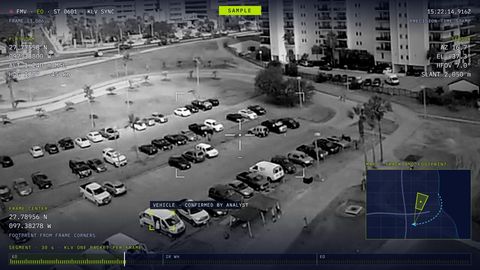 Full-motion video, frame by frameRead frame by frame, so every sighting cites its frame
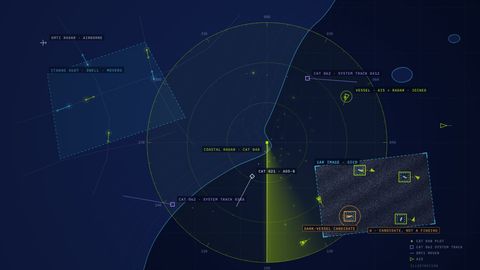 Radar and SARMoving targets, ship tracks and SAR images, joined with AIS
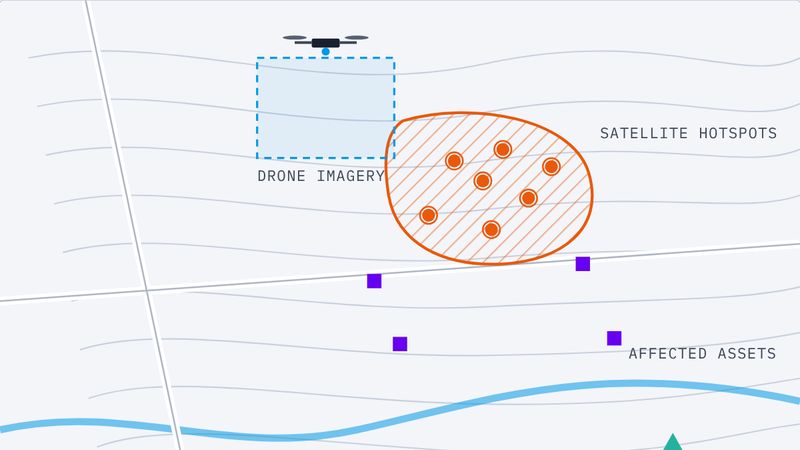 Public safety and civil usesDamage, maritime and police drone reports
 SensorLogiX overviewDrone, radar and video data, as facts in verified reports
WITH DATALOGIX
Flights become reports you can stand behind
Keep the software you fly with. DataLogiX, our analytics platform, turns what your flights record into counted, measured and cited facts, and those into reports that leave reviewed and marked.
See DataLogiX